


Checking an account balance, sending money, paying bills or managing a debit card used to mean visiting a bank branch or making a phone call. Today, many of these tasks can be completed within minutes through a smartphone or computer.
For customers using Online-Banking, the process can seem straightforward: log in, check the account and authorize a transaction. Behind that simple interface, however, are several security systems, authentication procedures and payment networks designed to protect account holders.
Understanding how digital banking actually works is useful before choosing a bank account, downloading a banking app or moving most of your financial activity online.
What Exactly Is Online Banking?
Online banking allows customers to access and manage their bank accounts electronically rather than relying on a physical branch.
Depending on the bank and account type, customers may be able to:
- Check account balances
- View transactions
- Send SEPA transfers
- Set up standing orders
- Manage direct debits
- Download account statements
- Block or manage cards
- Update personal information
- Apply for certain financial products
- Receive notifications about transactions
Many banks provide both a browser-based banking platform and a dedicated Banking-App.
The two systems generally connect to the same underlying account, although some functions may be available only through one channel.
Digital banking has become increasingly relevant to everyday payments. According to the Deutsche Bundesbank’s 2025 payment-behaviour study, cashless payments accounted for 55% of recorded purchases, exceeding cash payments for the first time in the study. Mobile payments were also among the frequently used payment methods. (Bundesbank)
How Does an Online Banking Login Work?
The first step is normally authentication.
A customer enters information such as a username, customer number or other login credentials. Depending on the bank, additional authentication may then be required.
BaFin’s account-comparison information explains that authentication can involve methods such as a smartphone app, SMS or photo-TAN. (Kontenvergleich)
Modern online banking commonly uses two-factor authentication, meaning that access or certain transactions require more than one independent security element.
For example, a customer might use:
- A password or PIN
- A registered smartphone or authentication application
Biometric methods such as fingerprint recognition can also be used as part of authentication on compatible devices.
The purpose is straightforward: knowing someone’s password should not be enough to gain complete access to their financial account.
Why Is TAN Important?
The term TAN, or Transaction Authentication Number, is familiar to many banking customers.
A TAN can be used to authorize a particular transaction or action.
Traditional paper TAN lists have largely been replaced by dynamic authentication methods. The Deutsche Bundesbank explains that PSD2 introduced stronger customer authentication requirements, including the use of independent authentication factors and dynamic TAN procedures for relevant online transactions. (Bundesbank)
Depending on the bank, customers may encounter:
- App-based TAN
- Photo-TAN
- Push-TAN
- SMS-based procedures
- Other bank-specific authentication systems
The exact method varies between providers, so customers should check which authentication process is included with their account and whether any additional fees apply.
How Do Online Transfers Work?
One of the most common uses of online banking is sending a SEPA transfer.
A customer enters the recipient’s details, including the relevant account information, specifies the amount and confirms the transaction.
The bank then processes the payment through the appropriate payment infrastructure.
Traditional SEPA credit transfers and SEPA Instant Payments are not identical.
Instant payments are designed to process transfers within seconds, with processing available around the clock. The Deutsche Bundesbank describes SEPA instant credit transfers as transactions that can be processed 24 hours a day, 365 days a year, with funds becoming available to the recipient almost immediately. (Bundesbank)
This can be particularly useful when sending money outside normal banking hours.
What Is the Difference Between Online Banking and Mobile Banking?
The terms are sometimes used interchangeably, but there is a practical difference.
Online banking generally refers to accessing an account through a bank’s website using a computer, tablet or smartphone browser.
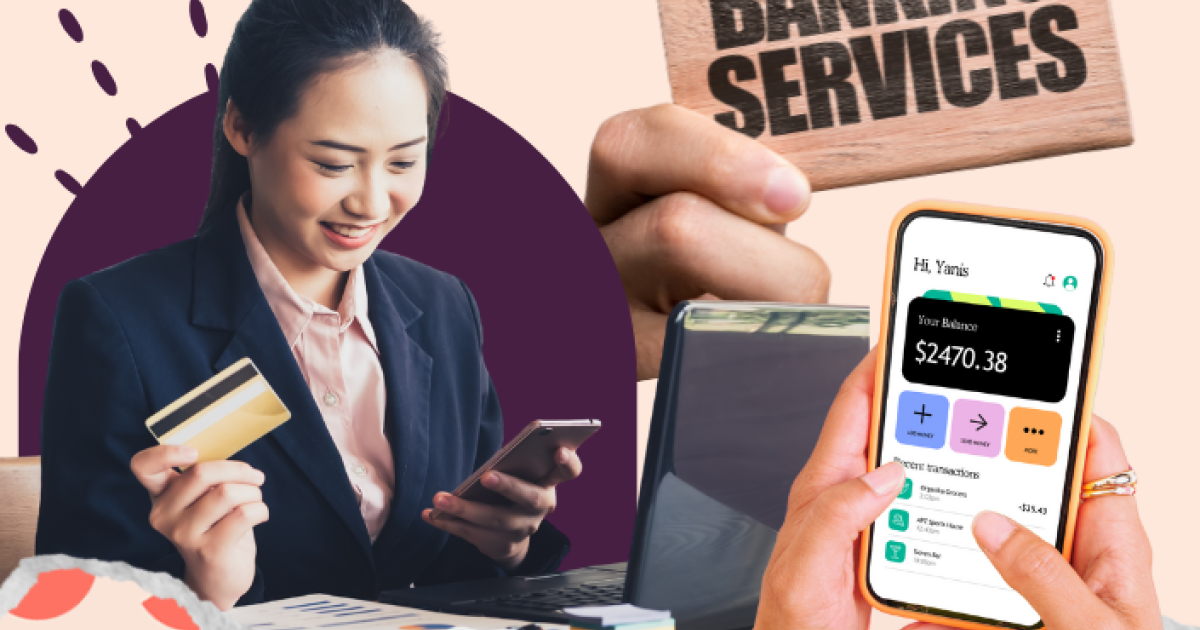
Mobile banking usually refers to managing the account through a dedicated smartphone or tablet application.
A banking app may provide additional features such as:
- Push notifications
- Biometric login
- Mobile payment integration
- Photo-based transfers
- Card controls
- Instant payment functions
- Spending notifications
For many customers, the smartphone has effectively become the primary interface for everyday banking.
Is Online Banking Safe?
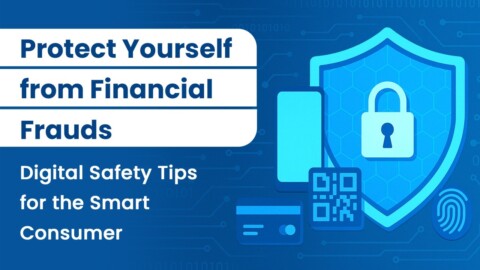
No financial system can eliminate every risk, but modern banking includes multiple security mechanisms designed to reduce unauthorized access and fraudulent transactions.
Strong authentication is one important layer.
Another is transaction monitoring. Banks can identify unusual activity and may contact customers when transactions appear suspicious.
Customers also have an important role to play.
A secure banking routine should include:
- Using strong, unique passwords
- Keeping banking applications updated
- Installing operating-system security updates
- Avoiding banking through public or unsecured networks where possible
- Never sharing PINs or authentication codes
- Checking payment details before approving transactions
- Treating unexpected messages with caution
The security of the banking infrastructure does not protect a customer who voluntarily gives confidential authentication information to a fraudster.
Why Phishing Is a Major Concern
One of the biggest risks associated with digital banking is phishing.
A fraudulent email, SMS or message may appear to come from a bank and ask the recipient to click a link, confirm an account or provide security information.
The website may look convincing, but the goal is to obtain login credentials or other sensitive information.
BaFin continues to warn consumers about online financial fraud and fraudulent websites or communications impersonating legitimate financial institutions. (bafin.de)
A useful rule is simple:
Do not approve a banking transaction simply because a message tells you to do so.
If you receive an unexpected security message, open your bank’s official app or type the bank’s known website address manually rather than following an unfamiliar link.
How Can You Recognize a Suspicious Banking Message?
Warning signs can include:
- Urgent demands to act immediately
- Threats that an account will be closed
- Requests for passwords or PINs
- Unexpected requests to approve transactions
- Unknown links
- Unusual sender addresses
- Messages claiming you must “verify” your account
- Requests to install unfamiliar software
Fraudsters often create a sense of urgency because customers are more likely to make mistakes when they feel pressured.
Taking a few minutes to verify the message can prevent a serious financial problem.
What Should You Check Before Opening a Digital Bank Account?
Not every digital account has the same features or pricing structure.
Before opening an account, compare:
Monthly Fees
Check whether the Girokonto has a monthly maintenance charge and whether free banking depends on minimum deposits or other conditions.
ATM Access
Find out where you can withdraw cash and whether additional charges apply.
Authentication
Understand which TAN or authentication method the bank uses and whether it is included without additional fees.
Transfers
Check whether standard and instant transfers are supported and whether any charges apply.
Customer Support
Consider how the bank handles customer service. Some digital-first providers rely heavily on chat or online support rather than physical branches.
Deposit Protection
Customers should also understand the applicable deposit-protection framework and verify the institution’s regulatory status.
In Germany, institutions providing banking and certain financial services generally require the appropriate authorization. The Deutsche Bundesbank notes that payment institutions providing payment services commercially in Germany require authorization from BaFin under the applicable regulatory framework. (Bundesbank)
What Happens If You Lose Your Phone?
Losing a smartphone does not automatically mean losing access to your bank account, but you should act quickly.
Contact your bank using an official contact method and follow its procedure for securing the account and authentication device.
It is also important to protect your phone with a screen lock and keep recovery information secure.
Never store passwords or authentication credentials in an easily accessible location on an unsecured device.
Is Digital Banking Right for Everyone?
For people who regularly use smartphones and prefer managing finances independently, digital banking can be highly convenient.
It allows customers to manage many everyday tasks without visiting a branch.
However, some customers may still value personal branch-based support, particularly when dealing with complex financial matters such as mortgages, business financing or estate-related issues.
Digital banking does not necessarily mean abandoning traditional banking completely. Many established banks offer both digital services and physical branches.
The Future of Everyday Banking
Banking is becoming increasingly integrated with smartphones, digital payments and real-time transaction services.
SEPA instant payments are making money transfers faster, while banking apps increasingly combine account management, payment authorization, card controls and financial notifications in one place. The broader payment ecosystem is also evolving as European initiatives such as the digital euro continue to develop. (Bundesbank)
For consumers, this means convenience will continue to increase—but so will the importance of understanding digital security.
Final Thoughts
Online banking is no longer simply an alternative to visiting a bank branch. For many customers, it is the primary way they manage everyday finances.
The basic process is relatively simple: authenticate your identity, access your account, select the required service and authorize transactions using the bank’s security system.
The more important part is knowing how to use these services safely.
Before choosing a digital bank account, compare fees, authentication methods, payment options, customer support and regulatory information. Once the account is active, protect your login credentials, scrutinize unexpected messages and carefully verify every transaction before approving it.
Digital banking can make managing money considerably faster and more convenient. Used responsibly, it can also provide a practical way to stay in control of everyday finances without depending on a physical bank branch.